
Agent View: Anthropic's official harness to run multiple Claude Code sessions
Mike Codeur
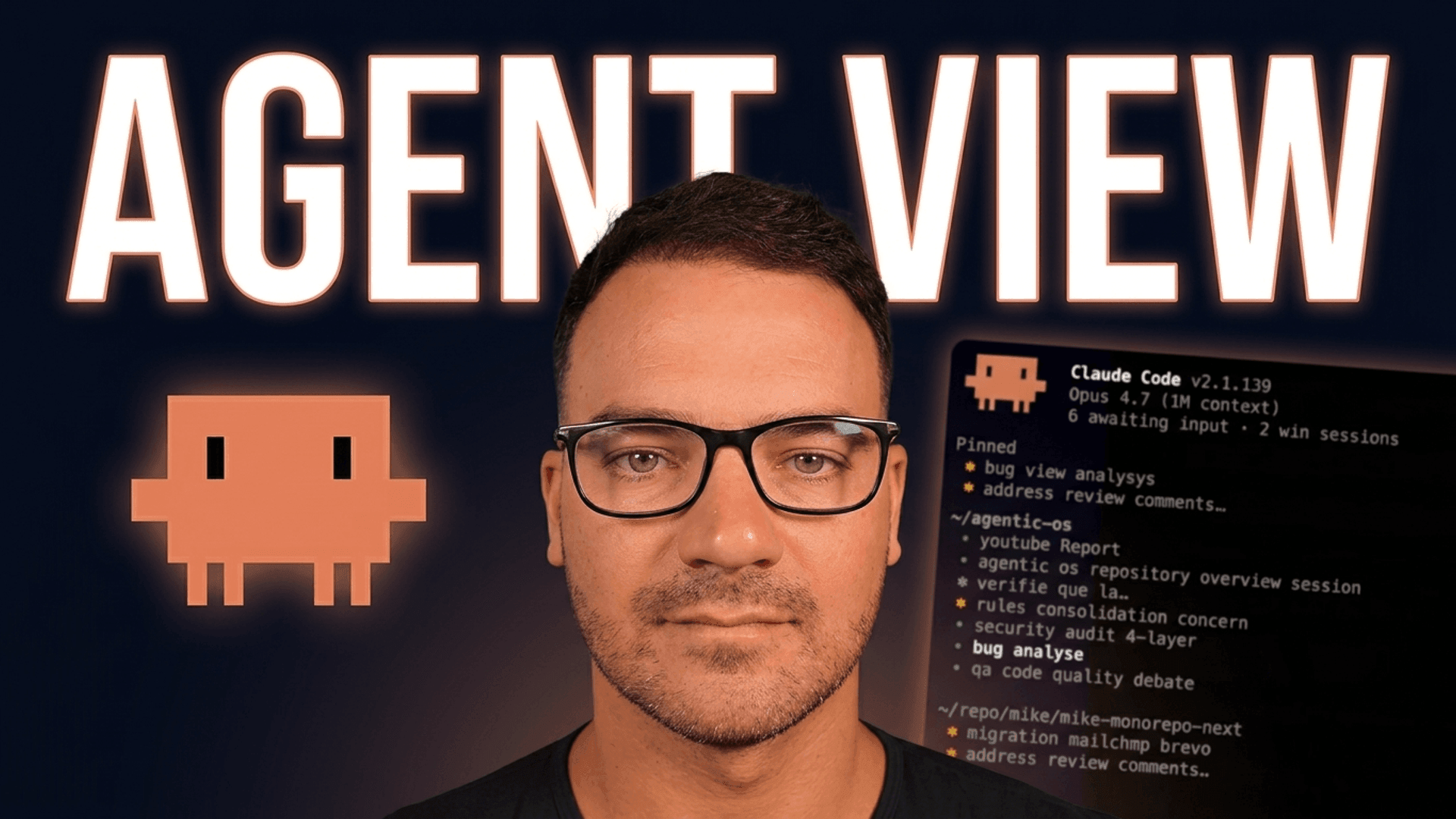
A feature I've been waiting on for 2 years just shipped.
Anthropic released Agent View in Claude Code, and it changes everything for those of us coding in multi-agent mode.
The hacky stack before
To run several Claude Code sessions in parallel, we had been piling up third-party tools:
- 10 scattered terminal tabs in Ghostty / iTerm
- cmux to structure things (open source, macOS only)
- Cursor Background Agents (locked inside the IDE)
- Codex Conductor (the OpenAI side)
- My own Agentic OS for whatever was left
None of it was official. None of it was native. Every tool had its own supervisor, its own lifecycle, its own coupling.
What Agent View changes
A single command: claude agents.
Anthropic just closed the loop with:
- A single screen to pilot all your background sessions
- A supervisor daemon that keeps your sessions alive even when you close the terminal
- Auto worktree isolation: 10 agents can write to the same repo without stepping on each other
- Peek panel to reply to an agent without fully attaching the session
- Filters (
s:blocked,a:<agent>,#42) to spot immediately what is waiting for you
It's native. Official. Already available in Claude Code 2.1.139 (Research Preview, shipped May 11, 2026).
The core concept: the supervisor daemon
That's THE difference compared to tmux setups or the previous duct-tape stacks.
The supervisor is a daemon running in the background, independent from your terminal. When you run claude agents, you're just opening a TUI viewer on that supervisor. You can:
- Close your terminal → your 10 agents keep going
- Reboot the supervisor (Claude Code auto-update) → sessions persist
- Launch another
claude agentsfrom another directory → you see the same shared list
State lives on disk under ~/.claude/daemon/roster.json. You can even script around it.
The essential commands
Five shell commands cover 80% of usage:
claude agents              # open the TUI view
claude --bg "<prompt>"     # dispatch directly from the shell
claude attach <id>         # attach to a running session
claude logs <id>           # see a session's output
claude stop <id>           # stop a session cleanly
Four shortcuts cover most of the TUI:
↑↓navigate ·Spacepeek panel ·Enterattach ·←detach
The real test: I plugged my Agentic OS into it
I spent 1 day migrating my 12 recurring tasks (cron-briefing, AI news scan, newsletter, security-audit, Plume villas check, etc.) onto Agent View.
Result: 12 agents running in parallel on real tasks, inside a single screen. When one needs me, I see it instantly (s:blocked). The rest keeps going without me.
The honest gotchas
- It's Research Preview → the API can move, keep an eye on the changelog
- Sleep / shutdown the Mac = sessions stopped.
claude respawn --allon reboot - Each background session burns quota independently (10 agents ≈ 10x consumption)
claude rm <id>deletes the worktree: merge or push BEFORE removing- No native
claude psto list from the shell — read the roster.json directly
Going further
I explained all of this in a 19-minute video, with a live demo of 12 Agentic OS agents in parallel:
I also prepared a free pack with the 2 explainer slides + a complete cheatsheet (every command, shortcut, filter, gotcha) + the link to Anthropic's official docs:
Anthropic official docs: https://code.claude.com/docs/en/agent-view